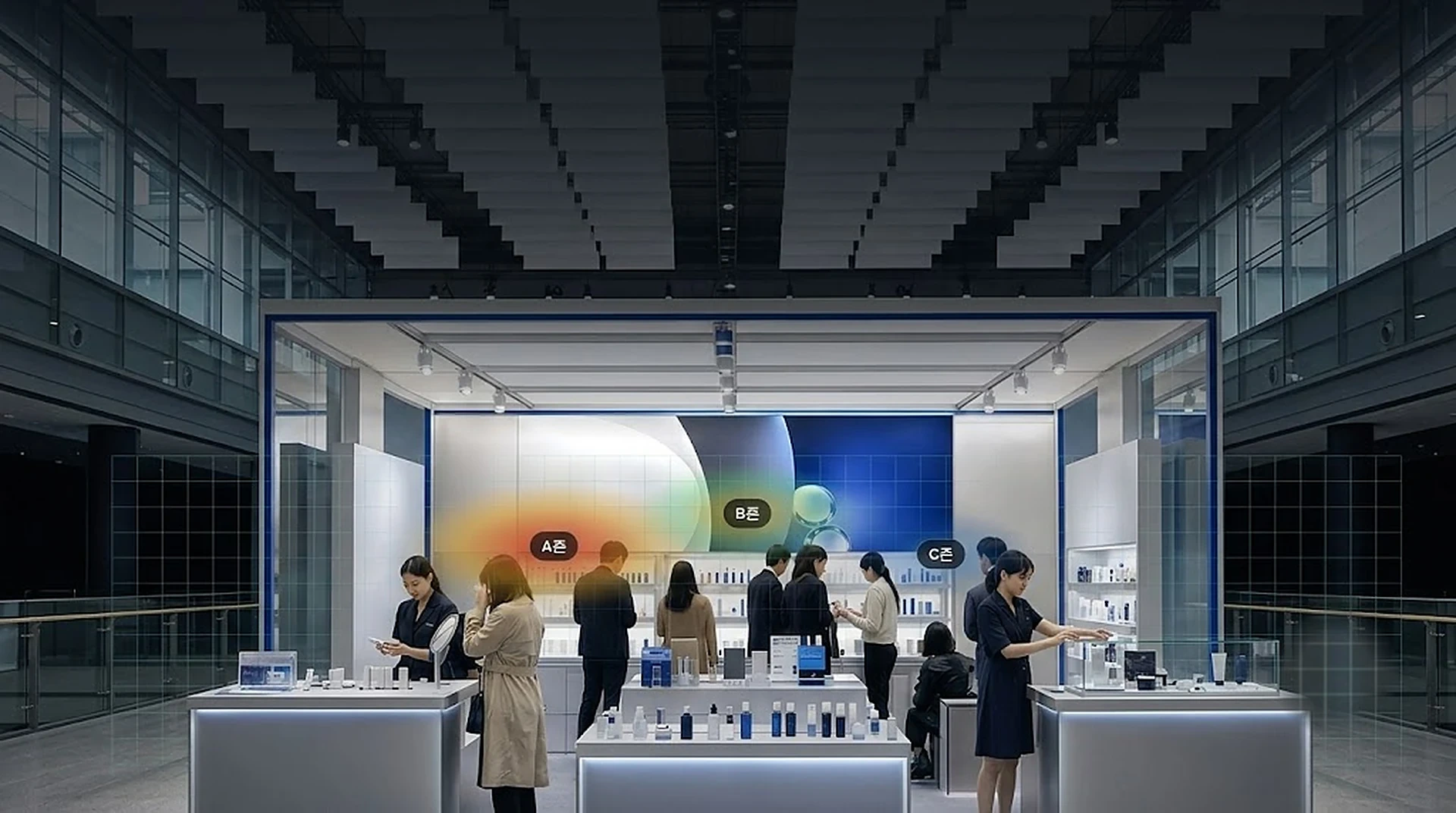
Is visitor count all your report has?
We measure where visitors stay and what they step up to.
Use existing store CCTV to measure customer journeys, zone dwell, congestion, and location performance.
Before and after measurement
EventVision turns scattered CCTV views into journeys, zones, dwell, and location-quality scores.
- Layout changes are a gamble
- Journeys imagined, not seen
- Good spots picked by rent, not behavior
- A day of movement as one map
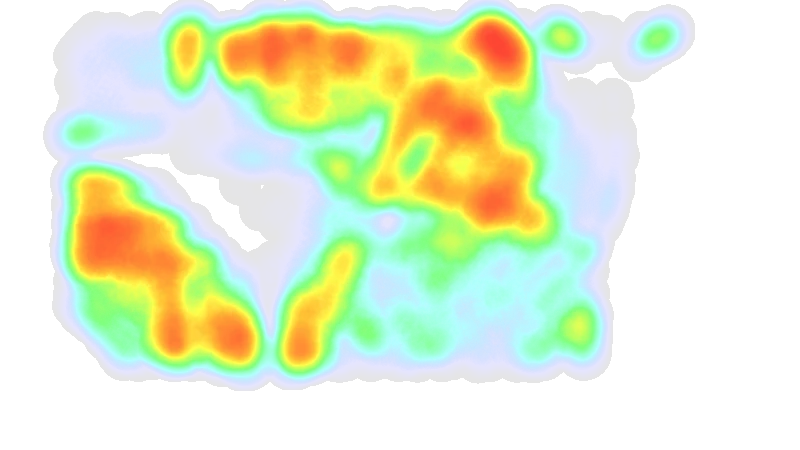
- Zone interest and dwell, measured
- Location quality you can score
Industries this solution mostly serves
Turn the whole floor into usable spatial data
Read where people move and where they pause across multiple cameras, then use that data for layout and merchandising decisions.
Separate the routes customers actually take from areas they rarely enter.
Read interest, average dwell, and repeated pauses by fixture or department.
Compare journeys and dwell before and after changes to display or floor layout.
Explain location quality through exposure and dwell, not only rent or intuition.
Find places where flow slows too much and feed that back into operations.
Link existing CCTV views into journeys that hold only within a single visit.
Convert CCTV views into a store map
Frames from existing CCTV are processed and discarded by the analysis PC connected to the CCTV system. What remains is session-scoped events and zone-level statistics, reconstructed as heatmaps and journey maps.
Use body and movement features, not faces, to create visit-scoped events.
Align camera events to store zones, aisles, and dwell points on the floor plan.
Turn a day of movement into heatmaps and location-quality scores for layout decisions.
Existing coverage is the starting point. No new wiring by default.
The analysis PC connects to the existing CCTV or NVR video inputs. We support installation and maintenance.
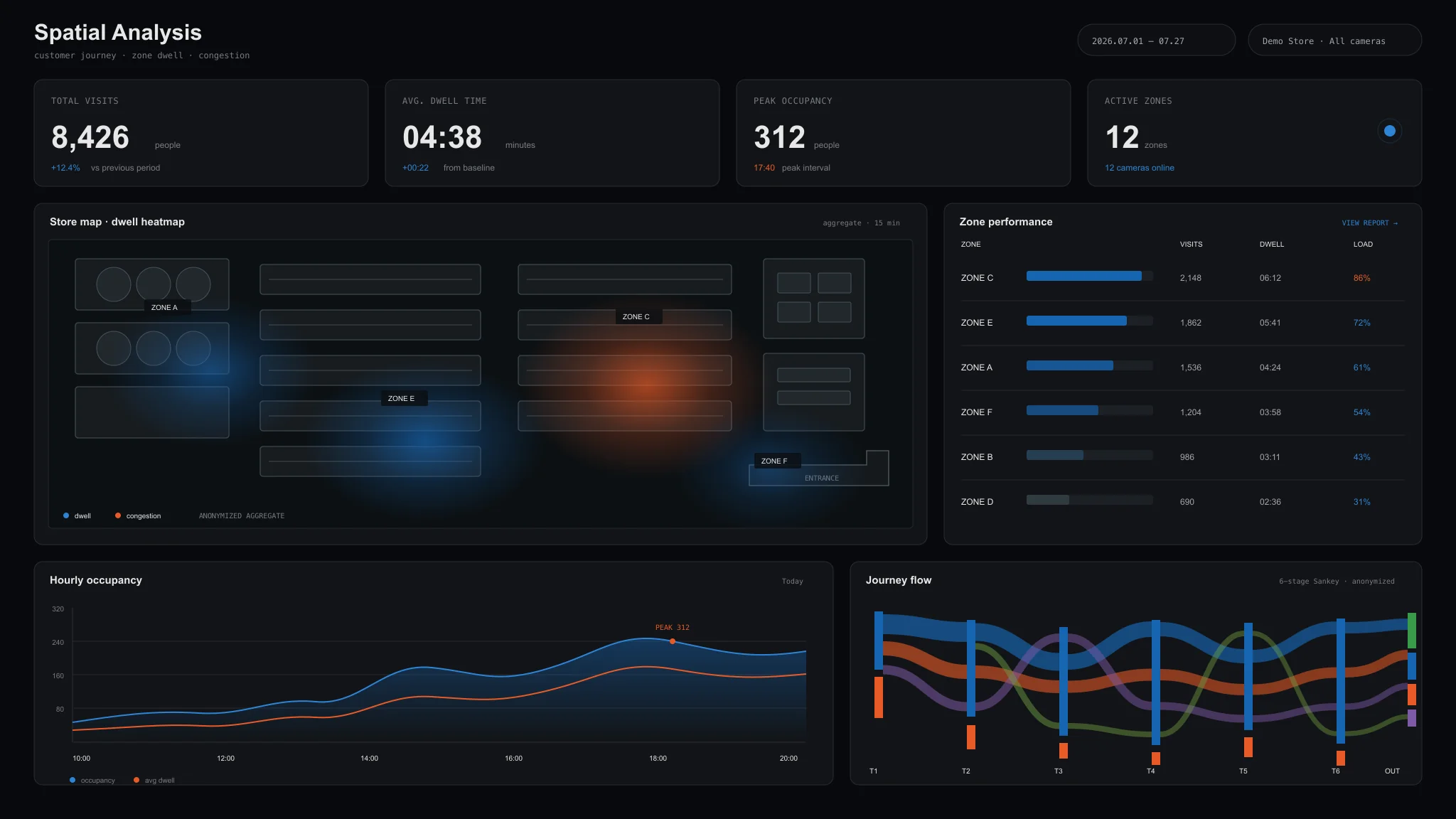
Journeys, zones, and dwell in the dashboard.
What you learn
EventVision reads the entire floor: where people walk, where they slow, and where attention pools. From multi-camera coverage it builds customer journeys, zone-level interest and dwell, and location-quality scoring, then lays a day of movement out as a single top-down map.
Floor-wide paths, followed across your cameras.
Where attention pools, as a heatmap of interest and dwell.
A full day of movement, drawn as a single picture.
Scoring that turns spots into merchandising decisions.
Install with existing CCTV or wireless cameras
Use installed CCTV first, then add wireless cameras for blind spots or temporary spaces. Confirm camera input and store zones in the app, then start measurement.
Review existing camera feeds in the app and align store zones, aisles, and priority areas.
Cover gaps without making new wiring the default installation path.
The analysis PC processes CCTV inputs and sends journeys, zone dwell, and heatmaps to the dashboard.
Measure operational metrics with existing CCTV
Use the same camera input to aggregate repeated journeys, zone dwell, and congestion.
Floor-wide paths, linked across cameras without storing biometric data.
Where attention pools, shown as a heatmap of zone interest and dwell.
Scoring that turns CCTV into merchandising and layout decisions.
Original video is processed on-site, and only the required de-identified data is transmitted.
Frequently asked
Q1Do we need new cameras?+
Usually not. We start from the CCTV already installed and add a slim camera only where the existing view does not reach. The pre-install survey tells you exactly what is needed.
Q2If you follow journeys, are you not identifying individuals?+
No. A journey holds only within that single visit and ends when the person leaves. No biometric data is stored, so whose journey it was is never recorded; what remains is numbers — how many people stayed in which zone, and for how long.
Q3Does any video leave the space?+
None. Video is processed inside the on-site device (AI Box) and erased immediately. Only anonymous aggregate numbers leave the site — we cannot see the original footage either.
Q4What is the minimum measurement period?+
Events are measured from three days. A single day is possible but swings with that day's conditions, so we recommend three or more if the result has to support a decision. Permanent stores start with a two to three month pilot.
Q5Can we use our existing cameras as they are?+
It depends on resolution, angle, frame rate and network access. We assess what is already installed and add cameras only where the view falls short. The survey report sets out what can and cannot be used.
Q6The venue rules may not allow cameras.+
Most exhibition halls and commercial venues only require prior approval. We prepare the camera placement plan and the processing description for you to submit to the organiser. That raw video is never stored is what matters most in approval, and we supply the documentation for it.
Q7Can we compare this event with the last one?+
Yes, if both were measured on the same basis. We record the zone definitions and metric definitions at the first measurement and reuse them next time. The more editions you run, the sharper the comparison.
Q8How is pricing decided?+
By the size of the space, the number of zones read separately, and the measurement period. More zones means more cameras and more on-site hours. Send a floor plan or the booth size and schedule, and we will come back with a setup and a quote.
Installations
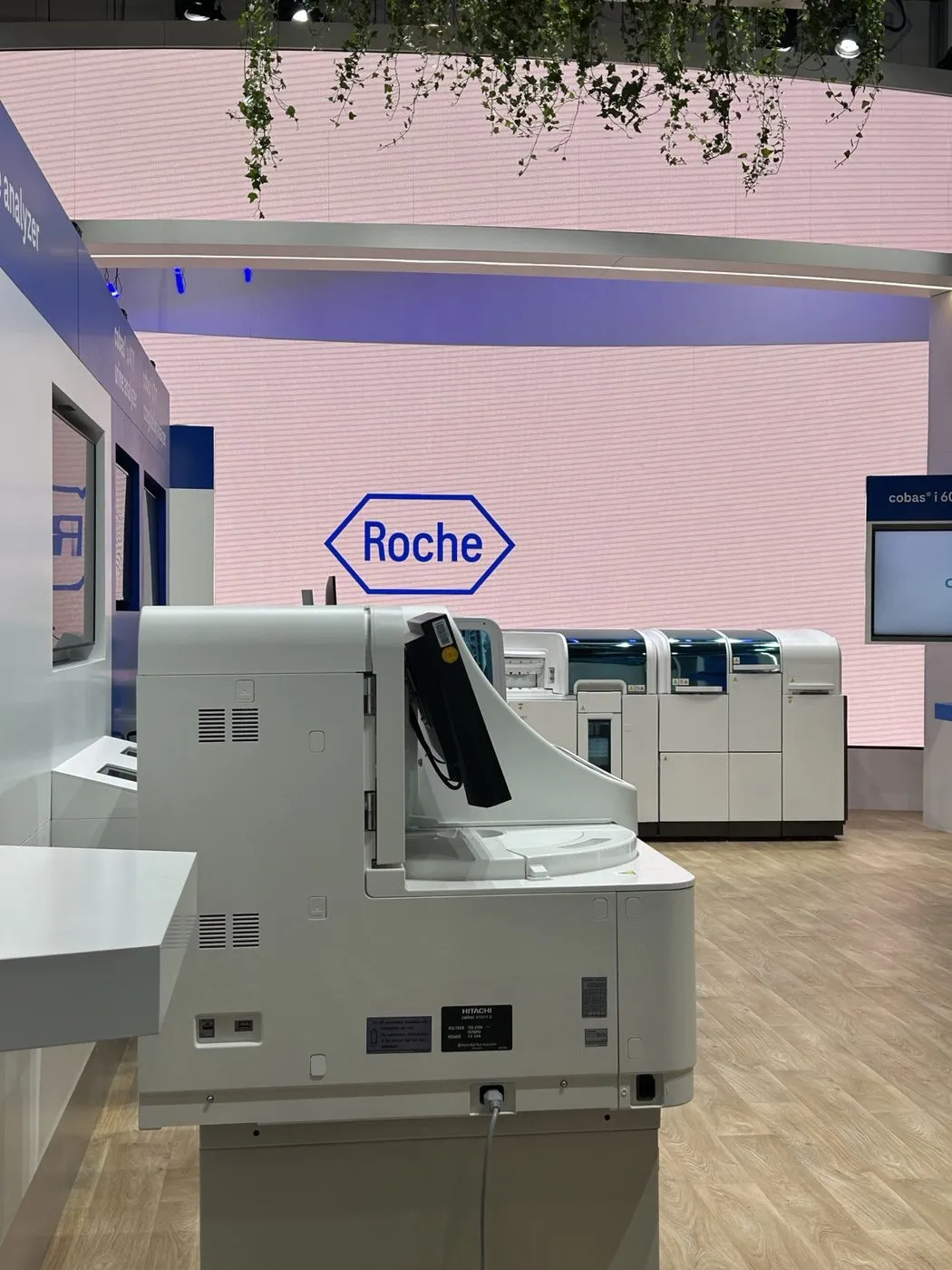
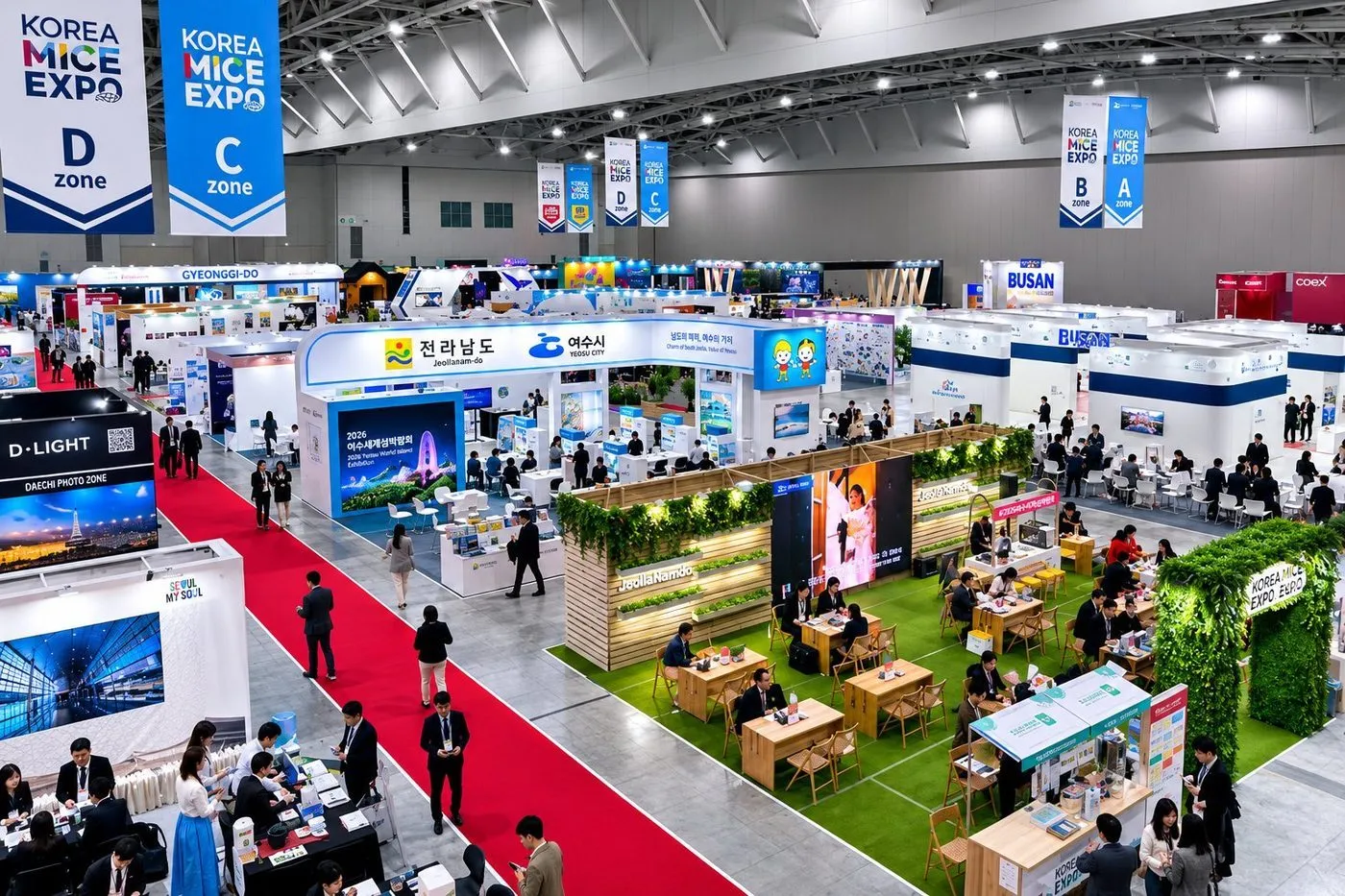
EventVision was deployed at flagship events among Roche's 300-plus exhibitions a year. Exhibition data utilization rose from 12% to 89%, and the pilot became an annual contract.
Measure it in your store
Start with a 2–3 month pilot configured for your site.